Apple Removes Siri AI Waitlist on iOS 27 for Most Users
Apple has removed the mandatory waitlist for its generative AI-powered virtual assistant, allowing users updating to iOS 27 to download the feature immediately.
Apple Drops the Siri AI Queue With One Condition
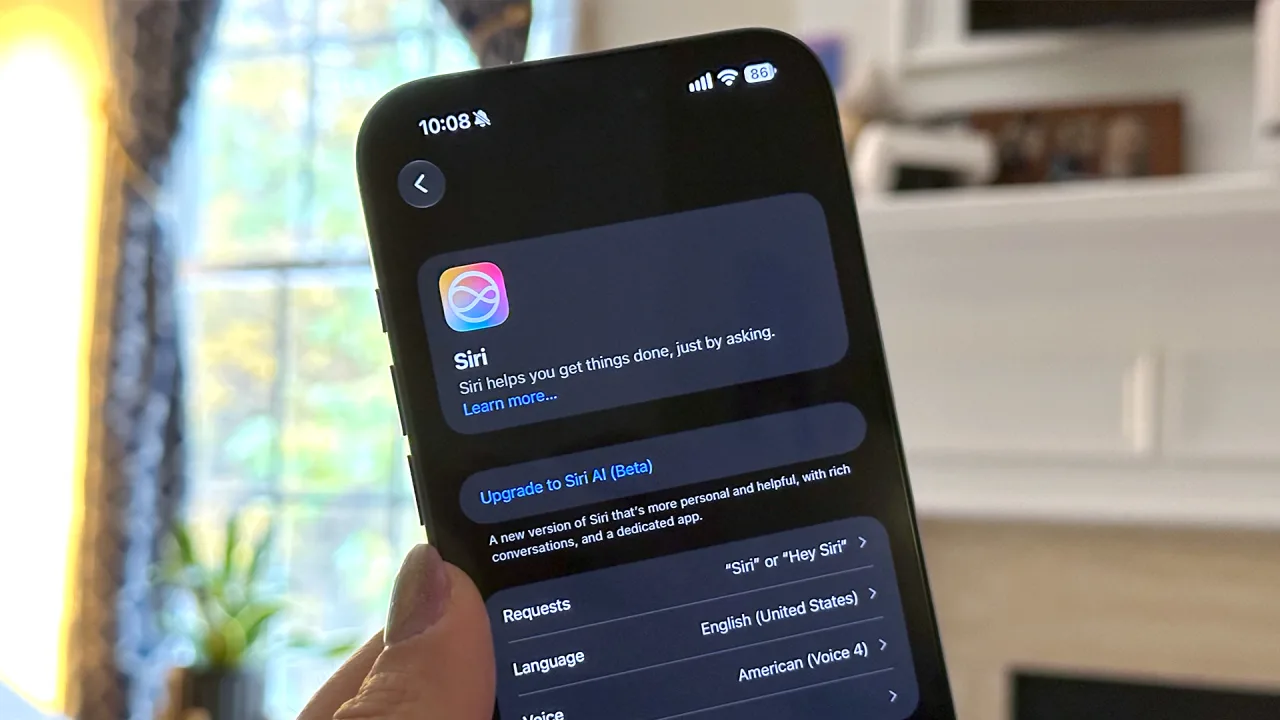
Apple has removed the mandatory waitlist for its generative AI-powered virtual assistant, allowing users updating to iOS 27 to download the feature immediately upon setup. When iOS 27 first shipped earlier this fall, enabling Siri AI meant joining a queue before the software would download to a device, with some users reporting waiting days for access. According to updated support documentation, Apple now initiates downloads automatically once users tap Try Siri AI (Beta) in their settings, though the company retains the ability to reinstate a waitlist during periods of unusually high demand.
For years, Apple has been working to gain relevance in AI to compete with major players like OpenAI and Google. While Apple Intelligence features like Writing Tools, Genmoji, and Image Playground have helped, Apple has lagged far behind in upgrading its signature voice assistant to generative AI. The initial waitlist served as a mechanism to pace access before broader release. Apple has not stated publicly what prompted the change to automatic downloading, so any explanation of its infrastructure readiness remains speculative.
Hardware, Region, and Language Restrictions Still Apply
Installing iOS 27 gets users to the door; it does not guarantee entry. Siri AI requires a supported device, matching language settings between the device and Siri, and an Apple Account registered in an eligible region. Not all Apple devices that support the latest iOS 27 (or other OS 27) will support Siri AI.
| Device Category | Minimum Hardware Requirement |
|---|---|
| iPhone | iPhone 15 Pro or newer, including the iPhone Duo and iPhone Air |
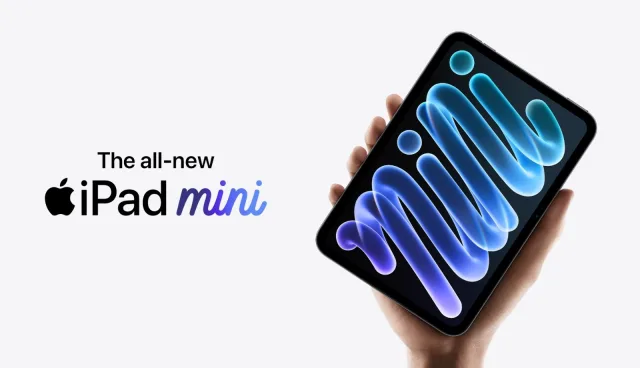
| iPad | iPad Mini (A17 Pro or newer) or an M-series chip |
| Mac | MacBook Neo or M-series chip |
| Apple Watch | Series 9 and Ultra 2 or newer, and Apple Watch SE 3 (paired with a supported iPhone) |
| Apple Vision Pro | Apple Vision Pro |
Beyond hardware, users must have their device in a supported language. The Siri AI languages are English, French, Japanese, Korean, Portuguese, and Spanish. Siri AI is unavailable in the EU on iPhone, iPad and Apple Watch, but it works on macOS 27 Golden Gate and visionOS 27 there when the device and Siri language match. It does not currently work with a mainland China Apple Account region, and it is not available for users under 13.
Checking Settings and Managing Daily Limits
Users looking to try the beta can follow a straightforward setup sequence. Open Settings, tap Siri, then select "Try Siri AI (Beta)." Follow the onscreen setup prompts, which may include voice enrollment and privacy review, and allow the required download to complete. Once running, the Siri app keeps your conversations in sync through iCloud. A chat that starts on iPhone can continue on Mac, iPad, Apple Watch or Apple Vision Pro.
Readers attempting activation should note that Siri AI and other Apple Intelligence features that rely on server-side models have daily usage limits. Intelligent Photo Editing Tools, Image Playground and the AFM 3 Cloud models in Shortcuts fall under the same limits. These limits vary by feature, request complexity and system demand, and Apple will charge a fee for expanded access in the future. If a surge in traffic triggers Apple's retained exception, users placed in a queue should expect variable wait times.